
Is AI Customer Support Safe for Customer Data?
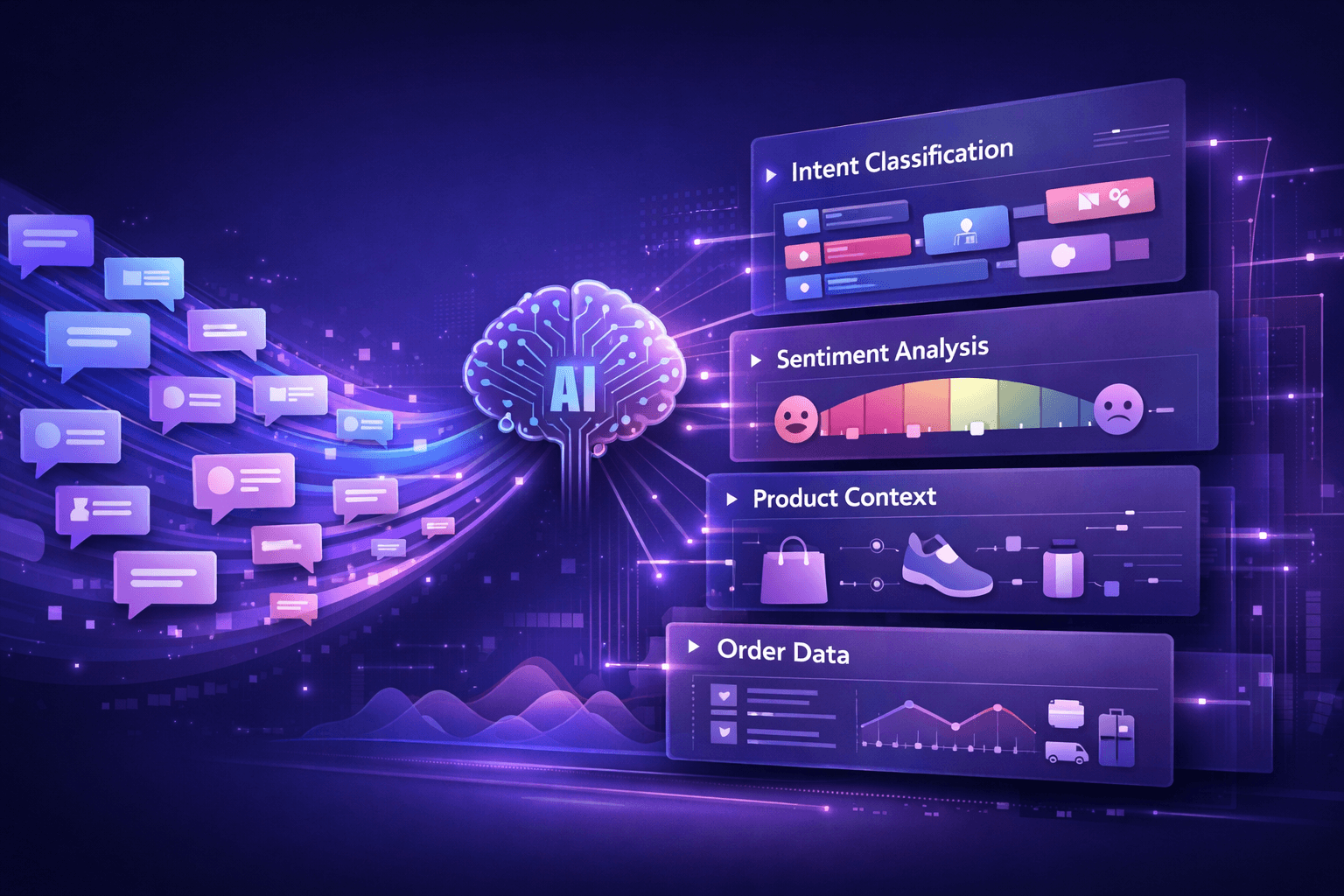
Data security isn't optional for e-commerce. Your customers trust you with credit card information, addresses, order histories, and personal details. Adding AI customer support to the mix raises an obvious question: is it safe?
The short answer: it depends entirely on how the system is built and deployed. AI customer support can be as secure as any other business system—or it can be a liability. Understanding what makes it safe is critical before implementation.
What data does AI customer support access?
To provide helpful answers, AI customer support systems need access to various types of customer data:
Customer identification information
- Email addresses
- Names and account IDs
- Phone numbers
- Order history
Order and transaction data
- Purchase history and amounts
- Shipping addresses
- Order status and tracking information
- Payment methods (though typically not full credit card numbers)
Behavioral and interaction data
- Previous support conversations
- Browsing behavior on your site
- Product preferences
- Communication preferences
Business data
- Product catalog and pricing
- Inventory information
- Policies and procedures
- Internal knowledge base
The AI needs this data to answer questions like "Where's my order?" or "What's the status of my return?" But access to sensitive information requires serious security measures.
Core security requirements for AI customer support
Data encryption
In transit: All data moving between systems must be encrypted using industry-standard protocols (TLS 1.2 or higher). This prevents interception when customer data travels from your e-commerce platform to the AI system and back.
At rest: Data stored by the AI system should be encrypted using strong encryption standards (AES-256 or equivalent). This protects information even if someone gains unauthorized access to the storage systems.
Most reputable AI customer support platforms handle this automatically, but it's worth verifying before implementation.
Access controls and authentication
Secure AI systems implement strict access controls:
Role-based access: The AI should only access data necessary for its function. If it doesn't need credit card numbers, it shouldn't have access to them.
Customer authentication: Before providing order information, the AI must verify the customer's identity through:
- Account login
- Order number plus email verification
- SMS or email verification codes
- Other authentication methods
Team access controls: Your support team's access to AI conversation logs should be controlled and audited. Not everyone needs access to all customer interactions.
Compliance with privacy regulations
AI customer support systems must comply with relevant data privacy laws:
GDPR (General Data Protection Regulation) for European customers requires:
- Clear consent for data processing
- Right to access their data
- Right to be forgotten (data deletion)
- Data portability
- Purpose limitation (data used only for stated purposes)
CCPA (California Consumer Privacy Act) and similar state laws require:
- Transparency about data collection
- Right to opt-out of data selling
- Right to delete personal information
- Non-discrimination for exercising privacy rights
Industry-specific regulations like PCI DSS for payment data, HIPAA for health information (if you sell health products), and regional privacy laws.
A compliant AI customer support system includes features for data deletion requests, export functionality, and clear documentation of data usage.
Data retention and deletion
Secure systems implement clear data retention policies:
Conversation logs: How long are customer interactions stored? Many systems retain logs for 30-90 days for quality assurance, then delete or anonymize them.
Personal information: Customer data should be retained only as long as necessary for business purposes or legal requirements.
Right to deletion: Customers should be able to request deletion of their data, and the system must comply within regulatory timeframes (typically 30 days for GDPR).
Automatic cleanup: The best systems automatically delete old data according to your retention policy, reducing the risk of unnecessary data exposure.
How AI architecture affects security
The way an AI customer support system is built significantly impacts its security:
Cloud-based vs on-premises
Cloud-based systems host your data on the vendor's servers:
- Pros: Professional security teams, automatic updates, compliance certifications, disaster recovery
- Cons: Data lives outside your direct control, subject to vendor security practices
- Security check: Verify the vendor's SOC 2, ISO 27001, or similar security certifications
On-premises systems run on your own servers:
- Pros: Direct control over data, can implement custom security policies
- Cons: You're responsible for security updates, scaling, and compliance
- Security check: Ensure your team has expertise for proper security implementation
Hybrid approaches keep sensitive data on your servers while using cloud AI:
- Pros: Balance of security control and advanced AI capabilities
- Cons: More complex implementation, potential integration challenges
Data processing location
Where is customer data processed?
Single-region processing: Data stays in one geographic region (useful for GDPR compliance, where EU data should stay in the EU)
Multi-region processing: Data may be processed across multiple locations for performance (requires careful compliance management)
Edge processing: Some systems process data closer to the customer for speed, which can reduce central data storage
Verify that data processing locations align with your compliance requirements.
Third-party integrations
AI customer support connects to other systems, each representing a potential security point:
- Your e-commerce platform (Shopify, WooCommerce, etc.)
- Shipping providers (FedEx, UPS, USPS)
- Payment processors
- CRM systems
- Analytics platforms
Security considerations:
- Each integration should use secure API connections with proper authentication
- Minimize data shared with each integration (only what's necessary)
- Regularly audit which systems have access to what data
- Use API keys with limited permissions, not admin-level access
Common security features to look for
When evaluating AI customer support platforms, these security features indicate a serious approach to data protection:
SOC 2 Type II compliance
Third-party audit verifying security controls for handling customer data. This is a strong signal that the vendor takes security seriously.
GDPR and privacy framework compliance
Documented compliance with major privacy regulations, including data processing agreements and privacy impact assessments.
Regular security audits and penetration testing
External security experts regularly test the system for vulnerabilities. Ask vendors when their last security audit occurred and if they have a bug bounty program.
Data anonymization capabilities
The ability to anonymize or pseudonymize data for analytics and AI training, reducing privacy risks.
Audit logs and monitoring
Complete logs of who accessed what data and when, enabling security investigations and compliance reporting.
Incident response procedures
Clear documented processes for handling security breaches, including customer notification protocols.
Two-factor authentication (2FA)
Required 2FA for your team's access to the AI customer support dashboard and settings.
Risks and red flags
Some practices indicate inadequate data security:
Training AI on customer data without consent: If the vendor uses your customer conversations to train their general AI model without explicit permission and anonymization, that's a privacy violation.
Vague security documentation: "We take security seriously" without specific details about encryption, compliance, or security practices is a red flag.
No data processing agreement: For GDPR compliance, you need a Data Processing Agreement (DPA) that clearly defines responsibilities.
Unlimited data retention: Systems that store customer data indefinitely without clear retention policies create unnecessary risk.
No security certifications: Lack of SOC 2, ISO 27001, or similar certifications for a mature SaaS product suggests inadequate security investment.
Shared infrastructure without isolation: Your data should be isolated from other customers' data, not stored in shared databases without proper segmentation.
Best practices for secure implementation
Even with a secure AI platform, your implementation matters:
Minimize data access
Configure the AI to access only the data it needs. If it doesn't need customer phone numbers or payment details for its function, don't grant access.
Implement strong authentication
Require customers to verify their identity before the AI provides order information or account details. Don't rely solely on easily guessable information like order numbers.
Regular security reviews
Periodically audit:
- What data the AI accesses
- Who on your team has access to conversation logs
- Integration permissions and API keys
- Unusual patterns in data access
Train your team
Your support team should understand:
- When to escalate security concerns
- How to identify suspicious requests (social engineering attempts)
- Proper handling of customer data
- Compliance requirements
Clear customer communication
Your privacy policy should explain:
- That you use AI customer support
- What data the AI accesses
- How data is protected
- Customer rights regarding their data
- How to opt-out or request deletion
Incident response plan
Prepare for potential security incidents:
- How will you detect a data breach?
- What's the notification process?
- Who's responsible for each step?
- How quickly can you disable systems if needed?
Questions to ask vendors
Before choosing an AI customer support platform, ask:
- Where is customer data stored and processed? (Important for compliance)
- What security certifications do you have? (SOC 2, ISO 27001, etc.)
- How is data encrypted in transit and at rest?
- What's your data retention policy?
- How do you handle GDPR/CCPA compliance?
- Do you use customer data to train AI models? (If yes, how is it anonymized?)
- What happens to our data if we cancel the service?
- When was your last security audit or penetration test?
- Have you ever had a data breach? (If yes, what happened and how was it resolved?)
- What's your incident response process?
The realistic security assessment
AI customer support isn't inherently less secure than other business systems. It's another application accessing customer data, similar to your CRM, helpdesk software, or analytics tools.
The security depends on:
- The vendor's security practices and certifications
- How you configure and implement the system
- Your overall security policies and team training
- Compliance with relevant regulations
AI introduces some unique considerations:
- AI models might inadvertently retain sensitive information from training data
- Natural language understanding requires access to conversation content
- Integration with multiple systems creates more potential access points
But AI also enables better security practices:
- Faster detection of suspicious requests or fraud attempts
- Consistent application of security policies (no human error)
- Detailed logging of all interactions for security audits
- Reduced human access to sensitive customer data
When AI customer support makes sense from a security perspective
AI customer support can be implemented securely when:
You choose a reputable, certified vendor with proven security practices, compliance certifications, and transparent security documentation.
You need to scale support without expanding team access to data. AI can answer questions without giving more humans access to sensitive customer information.
You have clear data governance policies and can configure the AI to comply with them.
Your customers benefit from faster responses and you can provide them without compromising security.
You can implement proper authentication before the AI provides personalized information.
The bottom line
AI customer support can be safe for customer data when implemented properly. The key factors are:
- Vendor selection: Choose platforms with strong security certifications and transparent practices
- Proper configuration: Grant minimal necessary data access, require authentication, implement retention policies
- Compliance awareness: Ensure the system complies with GDPR, CCPA, and relevant regulations
- Ongoing monitoring: Regularly audit access, review security practices, and stay informed about vulnerabilities
- Clear communication: Be transparent with customers about AI usage and data protection
The same diligence you apply to any customer data system applies to AI customer support. It's not about whether AI is safe—it's about whether you've chosen a secure solution and implemented it properly.
For most e-commerce stores, a well-implemented AI customer support system is as safe as their existing helpdesk software, CRM, or analytics tools. The difference is that AI can often reduce the number of humans who need access to customer data while still providing fast, helpful support.
Want to learn more about AI customer support implementation? Read our complete guide to AI customer support for e-commerce covering accuracy, limitations, real-world examples, and step-by-step implementation strategies.
Related articles
- AI Customer Support for E-commerce: The Complete Guide (2026) - Comprehensive overview of AI customer support implementation
- What Is AI Customer Support and How Does It Work in E-commerce? - Understanding the technology behind AI support
- How Accurate Is AI Customer Support for Online Stores? - Accuracy rates and what affects them
- AI vs Human Customer Support for Online Stores (Pros, Cons, Costs) - Security considerations in the AI vs human comparison
- AI Customer Support: What It Can't Do (Yet) - Understanding limitations helps you implement securely
- Common E-commerce Support Questions AI Can Handle Automatically - Practical examples of safe automation